
Restaurant Digital Menu & QR Marketing Guide (2025)
This guide shows you how to plan, launch, and scale a digital menu with QR codes in 2025. You’ll learn the benefits, the pitfalls to avoid, and how to combine QR with paper menus for the best guest experience and SEO impact.
Why digital menus now:
• Update pricing and items instantly across all languages
• Improve table turn times with clear, fast navigation and photos
• Capture SEO gains (structured menu pages, internal links, review flow)
Explore the full series:
C1: Local SEO for Restaurants • C2: Multi-Language Menus • C3: Menu Engineering & Pricing
C4: Food Photography for Menus • C5: WhatsApp & CRM Automations • C6: Reviews Playbook • C7: QR UX & Accessibility (Hybrid)
1) Foundations: Your QR + Digital Menu Stack
• Decide on your structure (categories, languages, allergens, photos). Map one URL per category. Keep slugs human-readable and SEO-friendly.
• Print table markers with short URLs and QR codes. Ensure the QR lands guests directly on the relevant category (e.g., Lunch, Drinks).
2) Local SEO Quick Wins (see C1 for deep dive)
• Optimize Google Business Profile with categories, menu URL, opening hours, photos, and UTM-tagged links. Align on-page titles and H1s with menu names.
• Build internal links between key categories and your homepage. For step-by-step setup, read Local SEO for Restaurants.
3) Multi-Language Menus (see C2)
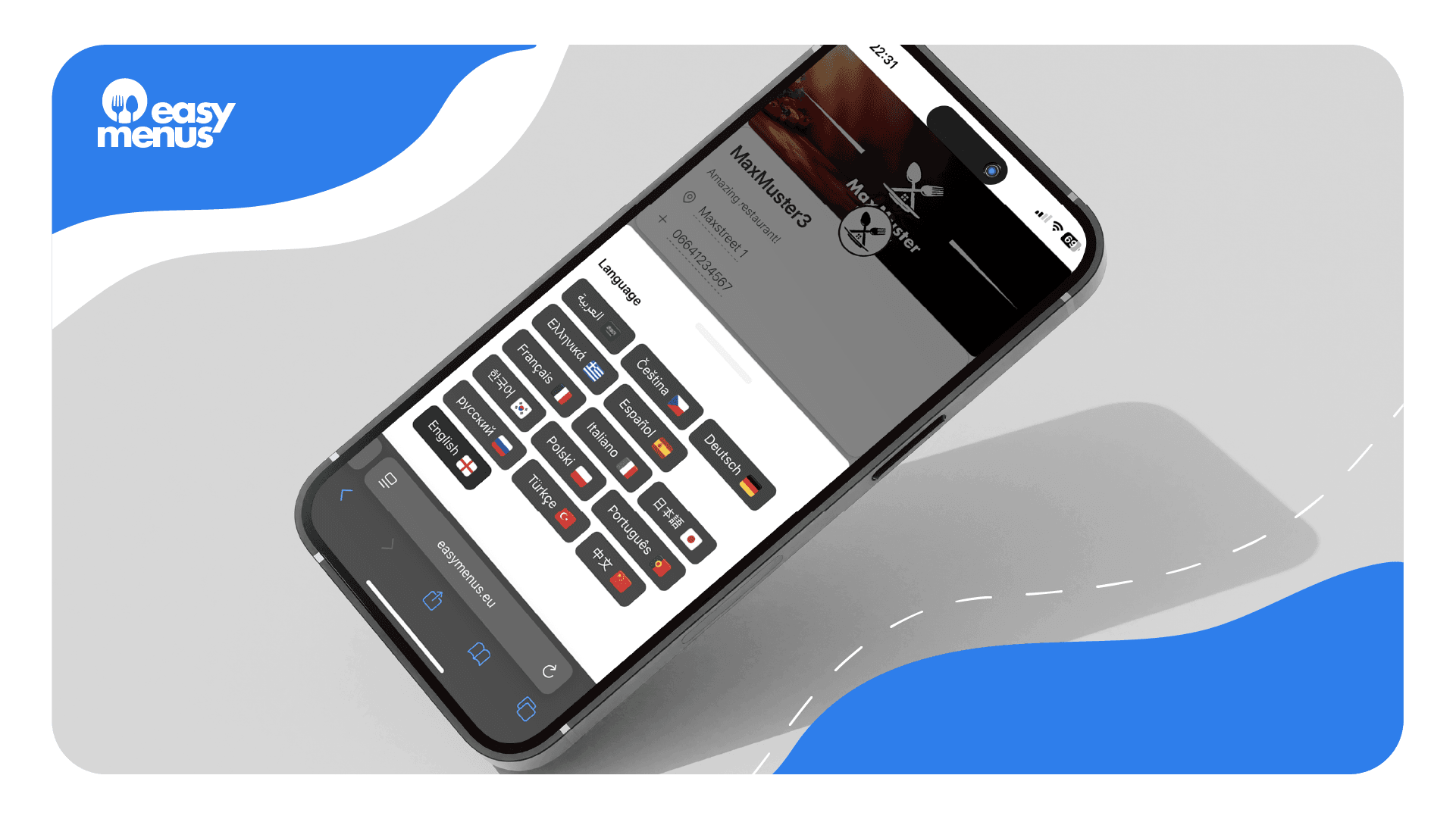
• Offer the top 2–4 visitor languages. Persist language choice per device. Translate dish names and descriptions, not just categories. Learn workflows in Multi-Language Menus.
4) Menu Engineering & Pricing (see C3)
• Identify star items, set decoy prices, and test layout. Digital menus allow rapid iteration—details in Menu Engineering & Pricing.
5) Food Photography & Media (see C4)
• Batch shoot with natural light, consistent angles, and mobile-first compression. Get the setup checklist in Food Photography for Menus.
6) WhatsApp & CRM Automations (see C5)
• Use templates, label conversations, and set light automations to capture intent without spamming. Learn playbooks in WhatsApp for Restaurants.
7) Reviews & Reputation (see C6)
• Trigger gentle post-visit nudges, reply with empathy, and convert feedback into SEO. Full process in Restaurant Reviews Playbook.
8) QR UX & Accessibility (Hybrid) (see C7)
• Keep a small stack of paper menus, add clear table markers, and make the digital path effortless. Deep dive in QR UX & Accessibility (Hybrid).
Implementation Checklist
• Map categories and slugs • Upload images • Translate top languages • Print QR/table markers • Add internal links • Connect WhatsApp • Set review nudges
Ready to see your menu live?
Get a free setup preview with EasyMenus. We’ll import your current menu, structure it for SEO, and show you a multi-language demo.