
How to Add Calories & Nutrition Info (and when it matters)
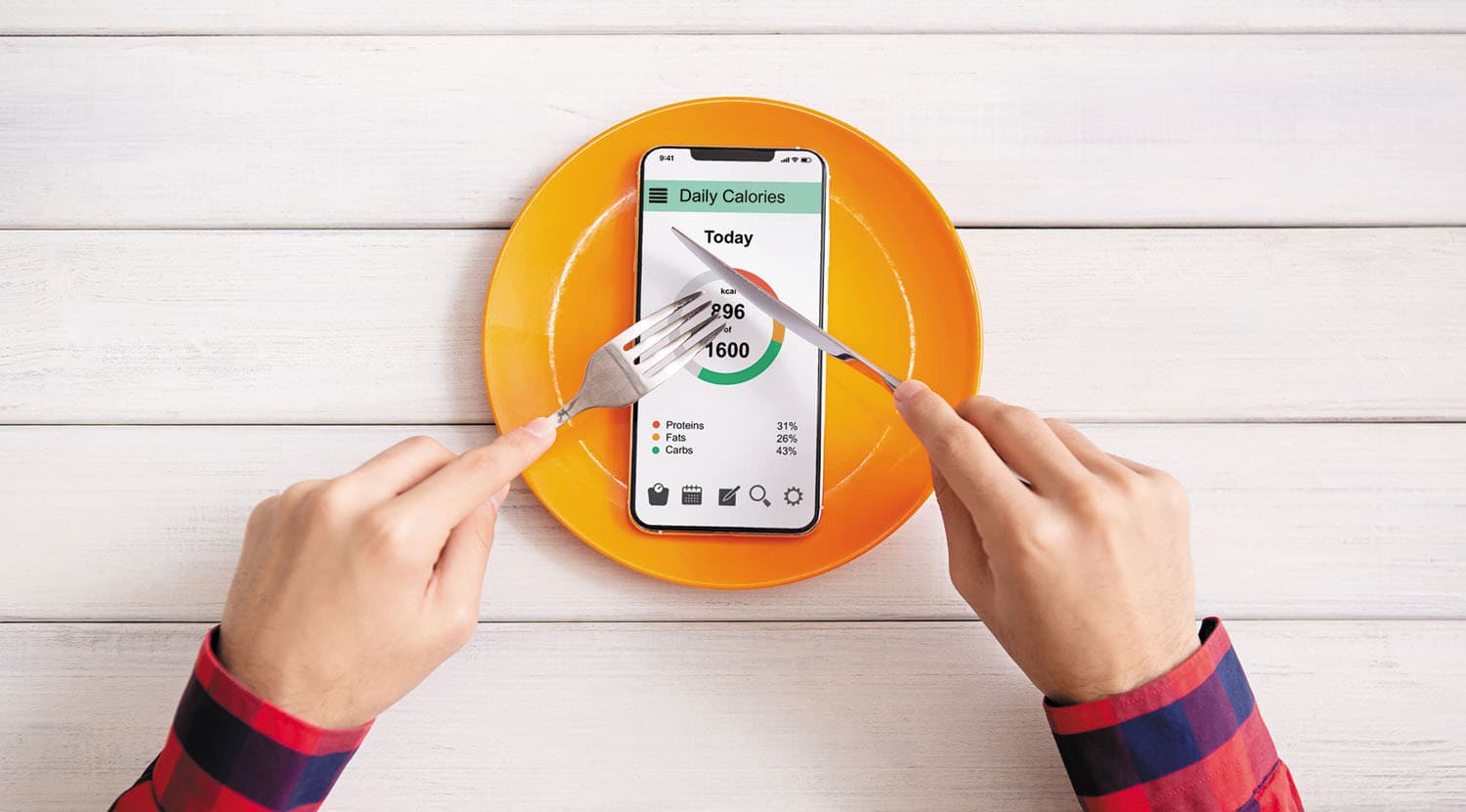
Nutrition information can be a powerful trust and conversion tool — but only when it fits your restaurant concept and you can keep it accurate. Some businesses don’t need it at all. Others can use it as a real competitive advantage, especially when guests are choosing fast and comparing items side-by-side.
Think of calories and nutrition like allergens: guests don’t want a long conversation. They want clarity at the moment of decision. The difference is that allergen info is often a must-have, while nutrition info is a strategic choice. When you add it in the right way, it can improve ordering speed, increase basket size, and make your “healthy” positioning feel real.
This article is part of the Allergens, Nutrition & Menu Compliance pillar page, where you’ll find the full system for keeping your menu clear, safe, and compliant.
Calories and nutrition matter most when your menu is consistent enough that the numbers stay true, and when your customers actively care about the details.
1) Your menu is standardized and doesn’t change dailyIf your recipes are stable (same portions, same ingredients, same prep method), calorie data becomes reliable. That reliability creates trust. Guests learn that your numbers match reality, and they’ll use your menu more confidently.
Great fit examples:
Fast casual
Chains / multi-location concepts
Cafés with fixed food items
Meal bowls, wraps, salads, smoothies with standard portions
2) You sell to fitness / health-conscious audiencesFor many guests, calories are a primary decision factor. They don’t want to guess. They want to pick quickly. If your menu supports that, you’ll convert more people who would otherwise hesitate or order “safe” (low-value) items.
This works especially well if you already position yourself around:
“High protein”
“Low calorie”
“Healthy bowls”
“Clean ingredients”
3) You want stronger delivery conversionsDelivery is a comparison game. Guests scroll through options and decide fast. Calories can act like a “confidence shortcut” — especially when two dishes look similar. If your menu shows calories clearly, it can reduce drop-off and increase conversions because guests feel they’re making a smarter choice.
4) You position yourself as “healthy” and want to support that claimIf your brand is built on health, nutrition data strengthens your credibility. Without it, “healthy” can look like marketing. With it, “healthy” becomes a measurable promise. Even simple calorie ranges can make your positioning feel honest.
Nutrition info can backfire if it becomes inaccurate, inconsistent, or visually overwhelming.
Small kitchens with daily specialsIf your menu changes daily, or portions vary by who’s cooking, nutrition numbers can become wrong quickly. And wrong numbers hurt trust more than having no numbers at all — because it signals that you’re guessing.
Seasonal menus with changing suppliersIf ingredients change often, your nutrition data will drift. One sauce change can shift calories significantly. Unless you have a process to update regularly, it becomes unreliable.
Concepts where guests don’t choose based on nutritionFine dining, chef-driven daily menus, and experience-focused restaurants usually don’t need calories. Guests are there for discovery, not tracking. Adding nutrition can clutter the experience and distract from what matters.
The most sustainable path for most restaurants is:
Start with calories per dishCalories are the most requested and easiest to understand. They give immediate clarity without overwhelming guests.
Build a maintenance routineAdd calories only for dishes with stable recipes, and update when you change:
portion size
ingredient brand/supplier (if significant)
sauces/dressings
cooking method (fried vs baked)
Expand later only if it’s manageableIf your concept supports it, you can add macros (protein/carbs/fat) or other details later. But don’t start there unless you know you can keep it accurate.
Guests should see calories quickly, but the menu should still feel clean.
Good layout options (especially for digital menus):
A small “kcal” line under the price
Calories in a lighter secondary row (not inside the description paragraph)
A filter option like “Under 600 kcal” (if your menu system supports filtering)
Avoid:
Long nutrition tables for every dish (too heavy for mobile)
Hiding calories deep inside a pop-up (guests won’t find it)
Mixing formats (some dishes show calories, others don’t, without explanation)
A useful rule: if you can’t do it consistently across a category, don’t do it at all — or clearly label it as “available for selected items.”
Calories don’t replace allergen labeling. They support a broader trust system.
If you already label vegan/vegetarian/halal, nutrition can strengthen those decisions — but the labels must still be consistent: Vegan / Vegetarian / Halal Labels: Best Practices (without confusion).
And if you want your menu to reduce risk and increase clarity overall, your wording also matters: Menu Wording That Reduces Liability (and increases trust).
To build a complete compliance and trust system across your menu, continue with:
Allergen Labeling: What Restaurants Must Show
How to Handle Cross-Contamination Communication on Menus
Vegan / Vegetarian / Halal Labels: Best Practices (without confusion)
Menu Wording That Reduces Liability (and increases trust)
Menu Templates for Allergen-Friendly Restaurants
Return to the main pillar page anytime: Allergens, Nutrition & Menu Compliance.