
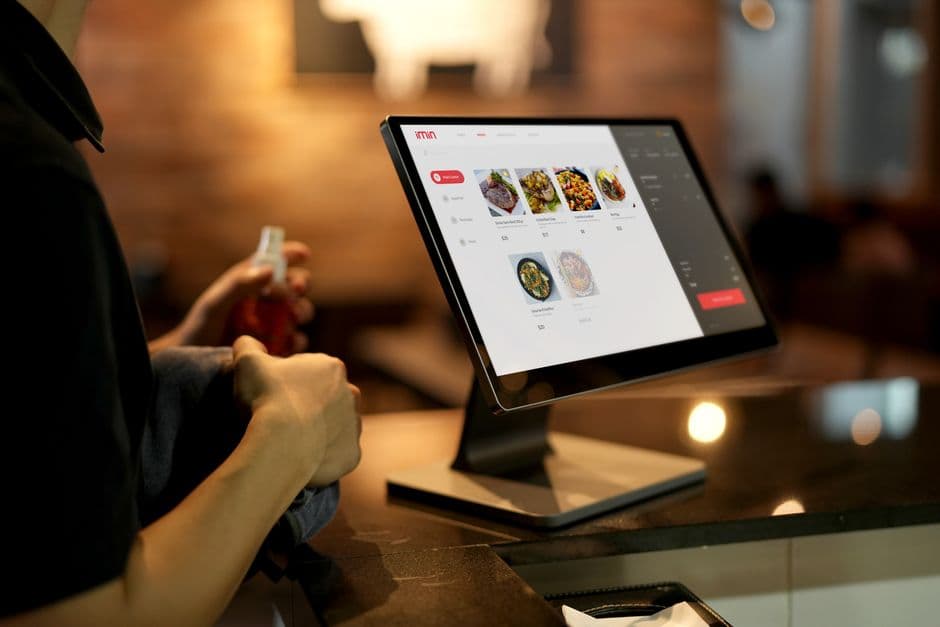
Why restaurant menu analytics matter more than instinct alone
Most operators already have opinions about what should sell well. The challenge is that guest behavior on a digital menu does not always match what the kitchen believes, what the floor team recommends, or what sold best six months ago. Restaurant menu analytics give you a clearer picture of what guests actually do, which makes it easier to improve conversion and average order value without redesigning your whole offer.
Digital menus reveal intent before a guest places an order
A printed menu tells you what was offered. A digital menu can show what was viewed, what was ignored, and where guests dropped off. That is powerful because hesitation often appears before a lost sale. If a dish gets attention but not orders, you may have a pricing issue, weak description, poor photo, confusing modifiers, or the wrong placement in the menu.
Small changes can produce repeatable revenue gains
Average order value restaurant improvements often come from a series of small fixes, not one big campaign. Reordering a category, shortening a confusing item name, adding a drink pairing, or featuring a bundle at the right time can improve results across hundreds of orders. Those are changes busy operators can actually maintain.
Analytics help you act with more confidence
When you use menu performance data, you are not guessing which item to push next weekend. You are deciding based on patterns. That makes it easier to brief staff, adjust promotions, and update your digital menu with purpose. With EasyMenus, once you decide what to change, you can apply real-time updates quickly across your menu and ordering experience.
What to measure before you change anything
Good digital menu insights start with a small set of metrics that connect directly to revenue. You do not need a complex dashboard to begin. Focus on the numbers that explain visibility, interest, conversion, and basket size. Then review them at item, category, and service-mode level so you can see where performance is strong and where revenue is being left behind.
Learn more: How to Spot High-View, Low-Order Dishes on a Digital Menu
Track the core metrics first
Start with category views, item views, add-to-cart actions, completed orders, conversion rate, and average order value. If possible, also track attachment rate for add-ons, sides, drinks, and desserts. These numbers help you separate popularity from profitability. A frequently viewed item is not necessarily a strong seller, and a strong seller may still have room for better upselling.
Break performance down by context
One menu can behave very differently by dine-in, pickup, or delivery. Lunch guests may want speed, while evening guests may be more open to starters, drinks, and desserts. If you serve tourists or multilingual neighborhoods, language versions may also shape behavior. Segmenting your menu performance data helps you avoid one-size-fits-all decisions.
Find high-view, low-order items first
One of the fastest ways to spot a missed revenue opportunity is to identify dishes that attract attention but do not convert. These items are often close to performing well. They may need stronger copy, a better image, simpler modifiers, or a more logical position in the menu. Fixing them is often easier than trying to create demand from zero.
How it works: a weekly process for turning menu data into action
The best analytics routine is simple enough to repeat every week, even during a busy season. Instead of chasing every number, use a short review cycle: pick a goal, identify one friction point, make one meaningful change, and measure the result. This keeps your team focused and makes menu conversion optimization manageable.
Learn more: A Weekly Menu Analytics Review for Owners and Managers
Step 1: Set one target and a clear baseline
Choose one outcome for the week, such as higher beverage attachment, better conversion on mains, or a modest lift in average order value. Record the current baseline before you change anything. If you skip this step, it becomes hard to know whether the edit helped or whether sales simply moved because of day-of-week traffic or a holiday effect.
Step 2: Identify the biggest drop-off point
Look for the part of the menu where guest intent weakens. Maybe a category gets many views but low add-to-cart activity. Maybe lots of baskets start but too few include sides. Maybe delivery orders have lower average order value than pickup. Your goal is not to diagnose everything at once. Find the one problem most likely to affect revenue.
Step 3: Make one focused change you can explain
Change placement, naming, descriptions, imagery, featured blocks, or pairings, but avoid editing ten variables at the same time. A single focused change teaches you more. If your ordering platform supports fast updates, use that advantage. EasyMenus is built for quick menu edits, so once you decide what to improve, the revised content can go live in seconds.
Step 4: Review results, keep winners, and repeat
Give the change enough time to produce a fair read, then compare results against the baseline. Keep what works, roll back what does not, and note why. Over time, this creates a practical playbook for your restaurant: which upsells work at lunch, which featured items perform on weekends, and which categories need seasonal reordering.

Photo by Mikhail Nilov on Pexels
Use digital menu insights to create upsells that feel helpful
Restaurant upselling works best when it solves a real decision for the guest. The goal is not to force more items into the basket. The goal is to make ordering easier while increasing order value. Your data can show which combinations already happen naturally, which add-ons convert well, and where upsell prompts are being ignored.
Learn more: Build Better Pairings and Add-Ons Without Making Menus Feel Pushy
Build pairings around real order behavior
Look at what guests already buy together. If burgers often lead to fries and a soft drink, package that behavior into a clear pairing or meal upgrade. If salads frequently appear with sparkling water at lunch, make that option more visible. When upsells reflect actual guest habits, they feel relevant rather than promotional.
Present add-ons at the right moment
Timing matters. A dessert prompt too early can distract from the core order. A sauce upgrade shown at the item level may convert better than a generic prompt at checkout. Use your digital menu insights to decide where upsells belong: inside the item flow, at cart review, or within a featured block near the top of the menu.
Protect speed and trust during checkout
Too many offers create friction, especially during pickup and delivery. Keep upsells short, specific, and easy to accept or skip. Strong examples include extra cheese, side swaps, drink upgrades, and sensible bundles. Weak examples are vague prompts, too many modifier layers, or offers that make the guest feel trapped in a longer ordering process.
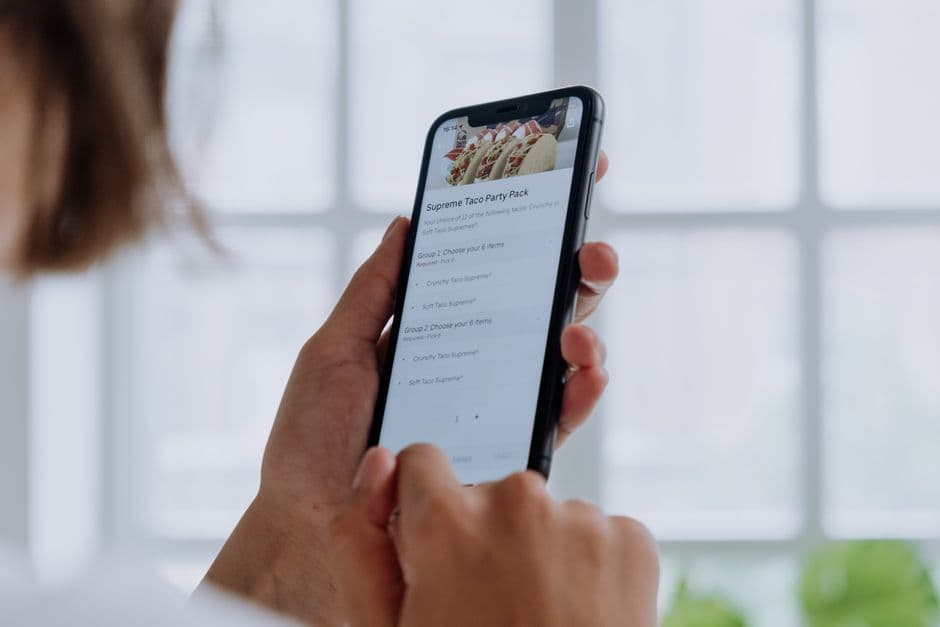
Photo by cottonbro studio on Pexels
Improve placement, category order, and item visibility
Menu conversion optimization often starts with visibility. Guests usually do not scroll evenly, and they do not evaluate every section with the same attention. If your best opportunities sit too low, too late, or inside a cluttered category, they will underperform. Data helps you promote stronger items without increasing menu length or complexity.
Learn more: How to Reorder Categories and Featured Items Based on Menu Performance
Move proven sellers and strategic items higher
Items with strong conversion and good margins deserve better real estate. That might mean placing them higher within a category, surfacing them in a featured row, or moving an entire category closer to the top. If an appetizer rarely converts but a bundle featuring that same appetizer performs well, the issue may be placement rather than demand.
Reduce decision fatigue in long digital menus
Long menus can lower conversion because guests get lost, especially on mobile. Review category depth, duplicate items, and overused labels such as chef special or popular. Keep the path clear. Fewer distractions make featured items work harder. This is especially important when guests are ordering quickly during a lunch break or from a phone on the go.
Use real-time updates to react to performance
A strong digital menu is not static. If an item starts trending, move it up. If a featured block stops converting, replace it. If a dinner pairing works well but lunch guests ignore it, adjust by daypart. EasyMenus supports real-time menu updates, which helps you turn insights into action without waiting on reprints or developer time.
Best practices for promotions, featured blocks, and bundles
Promotions can lift revenue, but only when they are clear, timely, and connected to guest intent. The best featured content does not compete with the whole menu. It guides the guest toward a smart next step. Use promotions to simplify decisions, support slower categories, and increase average order value in a way that still feels on-brand.
Learn more: Specials, Bundles, and Featured Blocks: What to Highlight First on a Digital Menu
Lead with one primary offer
If everything is highlighted, nothing is. Choose one main promotional message per service context, such as a lunch combo, a family bundle for delivery, or a seasonal drink pairing. Give it clear placement and simple value. Guests should understand it in seconds without reading three banners and a paragraph of terms.
Match promotions to daypart and service mode
The same offer will not perform equally for dine-in, pickup, and delivery. Lunch promotions should emphasize speed and value. Evening offers can lean into sharing, add-ons, or dessert. Pickup guests may respond to ready-fast bundles, while delivery guests may respond to family-style packaging or larger basket incentives. Your menu performance data should guide these decisions.
Test bundles that tell a complete story
Bundles work best when they feel like a convenient choice, not a forced discount. Pair a main with the most likely side and drink. Use naming that explains the benefit, such as date night, lunch combo, or game-day pack, instead of generic bundle language. Then watch conversion, basket size, and whether the bundle cannibalizes higher-value custom orders.
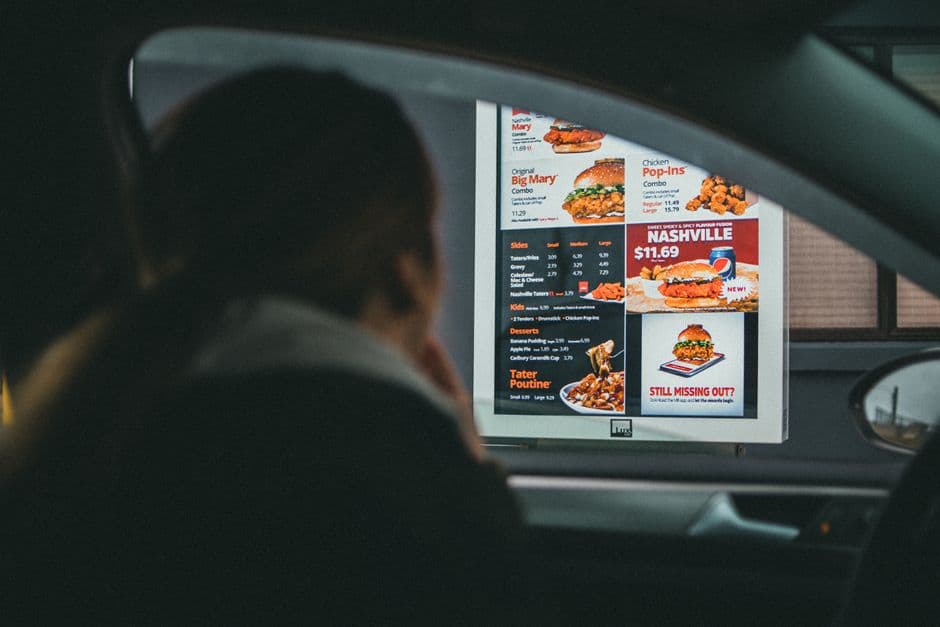
Photo by Jonathan Cooper on Pexels
FAQ: Restaurant menu analytics and upsells
Below are common questions from owners and managers who want better performance from an existing digital menu or online ordering page.
How often should I review restaurant menu analytics?
A weekly review is usually the right starting point. It is frequent enough to catch problems, but not so frequent that normal sales variation causes overreaction. If you run frequent specials or high-volume delivery, you may also do short midweek checks on featured items, bundles, or add-on performance.
What should I focus on first: conversion or average order value?
Start with the clearest bottleneck. If many guests browse but too few order, focus on conversion first. If orders are already strong but baskets are small, focus on upsells and pairings. In practice, many restaurants work on both by first removing friction and then introducing better add-ons.
Should I remove dishes with low conversion?
Not immediately. First ask why they are underperforming. A low-converting dish may have weak placement, unclear wording, poor imagery, or the wrong audience at the wrong time. Test improvements before removing it. If it still underperforms after several rounds, simplify the menu and give stronger items more visibility.
Can menu analytics help multilingual restaurants?
Yes. If you serve guests in multiple languages, menu behavior can reveal whether certain translations, dish names, or category labels create confusion. Clear multilingual menus can support higher confidence and better conversion. EasyMenus supports menus in 16 languages with AI translation and full editing control, which makes it easier to adjust wording once you spot friction.
What if my menu changes often?
Frequent changes are exactly why a repeatable analytics process matters. Seasonal items, limited-time offers, and supply-driven edits can all affect behavior. The key is to compare similar periods, document what changed, and keep your digital menu updated quickly so guests always see the most current offer, pricing, and availability path.
Conclusion
Restaurant menu analytics are most valuable when they lead to action. You do not need a massive data project to improve performance. You need a reliable review habit, a clear sense of where guests hesitate, and a way to make fast menu changes that reflect what you learn. Start with the biggest friction point, test one improvement at a time, and build upsells, placements, and promotions around real guest behavior. When your digital menu is easy to update, your ordering flow supports dine-in, pickup, and delivery, and your team can act quickly during busy service, menu data becomes a practical growth tool, not just another report. That is how you turn digital menu insights into better conversion, stronger guest experience, and higher average order value over time.
Start with the easiest revenue leak: dishes guests notice but do not order.
Want a repeatable routine your managers can actually use each week?