
Build Better Pairings and Add-Ons Without Making Menus Feel Pushy
Most restaurants know that pairings and add-ons can raise ticket size, but many menus present them in a way that feels like pressure. The best restaurant menu pairings do the opposite: they make ordering easier, guide the guest toward a better meal, and increase average order value without interrupting the experience.
Pro tip: start with one pairing path for each top-selling item instead of adding suggestions to every menu item at once.
A good upsell feels like service. A bad upsell feels like a pop-up. That difference matters because guests are already making several decisions at once: what to eat, what fits their budget, what will travel well, and how fast they need it during a busy lunch or dinner rush. If your add-ons restaurant menu strategy adds friction, people skip it. If it removes uncertainty, people are more likely to say yes.
This is why the strongest restaurant upsell strategy starts with relevance, not revenue. A side salad next to a pasta dish, a dipping sauce on wings, or a drink suggestion on a spicy sandwich makes sense immediately. The customer does not need to stop and decode why the suggestion is there. It feels like the same kind of guidance a good server would give at the table.
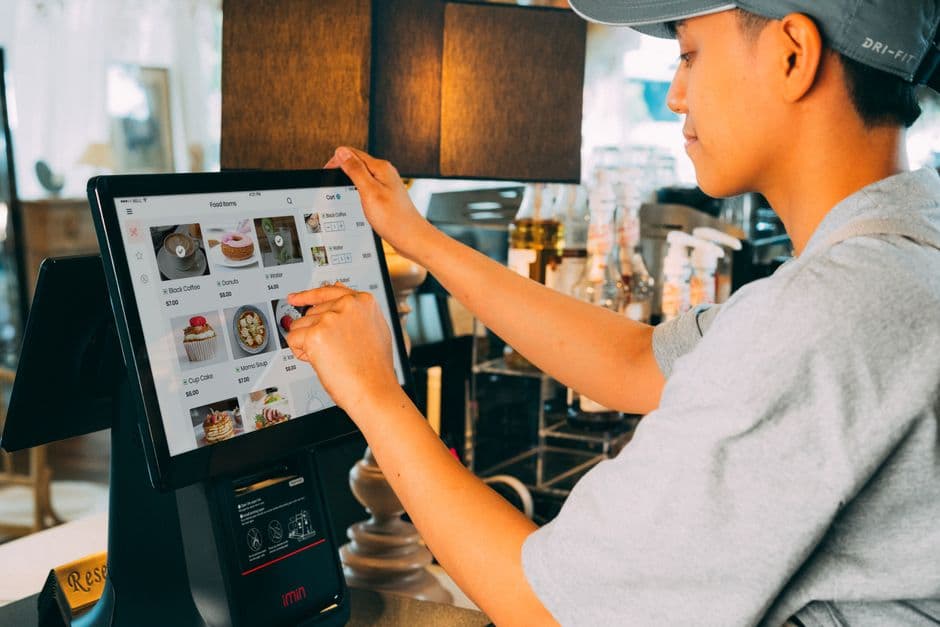
Helpful digital menu pairings also protect the guest experience. Instead of showing every possible extra, you narrow the choice to the most natural next step. That keeps the menu clean, reduces decision fatigue, and still creates average order value upsells where they matter most.
The easiest test is simple: would a skilled server recommend this combination in real life? If the answer is yes, it probably belongs on the menu. If it only exists because it has a high margin but does not improve the meal, guests will feel that immediately.
Not all pairings perform equally. The quickest wins usually come from low-risk additions that are already familiar to guests. These are the items customers often intended to order anyway but appreciate being reminded about at the right moment. Start there before you experiment with more ambitious bundles or premium upgrades.
For most restaurants, the fastest-moving combinations are drinks with mains, sides with handhelds, extra sauces with fried items, protein upgrades on bowls or salads, and desserts shown near checkout. These work because they fit established ordering habits. They do not require a long explanation, and they usually do not create a big jump in total spend.
If you are choosing where to begin, focus on your top-selling categories first. A pairing attached to a high-volume burger, pizza, rice bowl, or lunch combo will usually have more impact than a perfectly designed add-on attached to a dish that gets limited traffic.
Start with the easiest yeses. Burgers and sandwiches pair naturally with fries, onion rings, or a canned drink. Pizza pairs well with extra dips, garlic bread, or a dessert. Wings and fried starters work with sauce add-ons. Bowls, salads, and pasta often support extra chicken, shrimp, or avocado. Coffee and bakery concepts can suggest larger sizes, extra shots, syrups, or a pastry. These combinations feel obvious, which is exactly why they convert well.
Once your core pairings are live, test higher-value upgrades that still feel practical: make it a combo, upgrade to a larger size, swap fries for a premium side, or add a second sauce for sharing. Desserts can work well in the cart when the guest has already committed to a meal. Premium upgrades often perform best when the value is clear and the decision is quick.
Placement is what makes a pairing feel useful instead of aggressive. The best moment to suggest an add-on is when the guest is already thinking about that specific item. That usually means right after item selection, inside the modifier flow, or in the cart when the next step is obvious.
For example, if someone taps a burger, that is the right time to offer cheese, bacon, fries, or a soft drink. If they add wings, show sauce choices immediately. If they build a bowl, present extra protein during the customization step. If they already have mains in the cart, a dessert or bottled drink suggestion can feel timely because the meal is nearly complete.
Digital menus make this easier because you can tailor suggestions by category, item, and service mode. A dine-in guest may respond well to dessert or another drink later in the journey. A pickup customer may be more likely to add a side, a bottled beverage, or a sauce that travels well. The more context-aware your placement is, the more your restaurant menu pairings feel like help.
Use item pages for direct complements, modifier screens for upgrades, and the cart for finishing touches. Keep pairings closest to the decision they support. If your platform lets you manage dine-in, pickup, and delivery separately, adapt suggestions to each flow. That matters because the best add-on for a table order is not always the best add-on for delivery.
Avoid generic add-on pop-ups before the guest has chosen anything. Avoid stacking multiple suggestion screens in a row. Avoid irrelevant offers, like dessert attached to a breakfast item or extra ice cream on a delivery order that already has a long travel window. Also make sure unavailable items disappear immediately. Real-time updates are important because nothing feels more frustrating than saying yes to an add-on that is out of stock.
Related: Specials, Bundles, and Featured Blocks: What to Highlight First on a Digital Menu
If guests see add-ons on every screen, suggestions stop feeling helpful and start feeling like friction.
Copy matters more than many operators expect. Guests respond better to menu language that is clear, specific, and practical. The goal is not to sound clever. The goal is to make the next choice easy. Short labels, recognizable item names, and transparent pricing usually outperform vague marketing phrases.
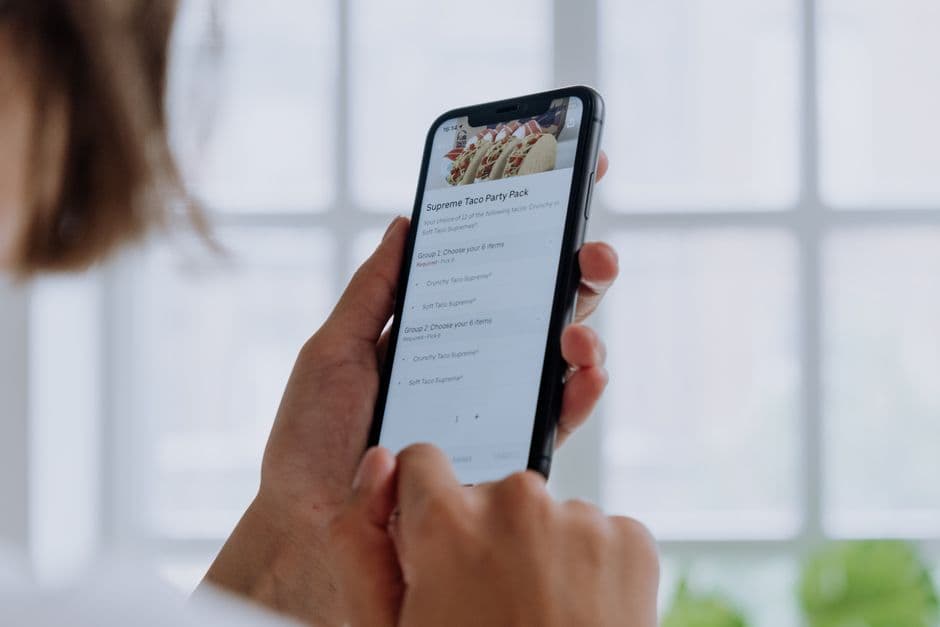
This is especially important on mobile, where most online ordering happens quickly and on smaller screens. If the guest has to read a full sentence to understand the option, it is too long. If the benefit is obvious in two or three words, it is probably ready.
1. Offer only two or three relevant suggestions per item. 2. Lead with the most natural add-on first, not the most expensive one. 3. Use plain names the guest already understands, such as Add fries, Extra ranch, or Upgrade to large. 4. Show price clearly next to the option so there is no surprise later. 5. Group similar modifiers together so the screen feels organized. 6. Make important choices fast to complete, especially during lunch or heavy pickup windows. 7. Review whether each suggestion fits dine-in, pickup, and delivery equally well. 8. Remove anything that creates confusion, slows ordering, or gets ignored week after week.
Helpful: Add garlic dip, Add side salad, Make it a combo, Upgrade to large, Add cheesecake for later. Pushy: Complete your experience now, Best deal today, Recommended premium enhancement. The first set respects the guest’s time and tells them exactly what happens next. The second set sounds like marketing copy and adds mental work.
The first version of your pairings should not be the final version. The real advantage of digital menu pairings is that you can test, learn, and update quickly. You do not need a full menu redesign to improve results. Small changes in placement, wording, or offer selection can meaningfully improve conversion over time.
Review pairings at the item level, not just the menu level. A sauce suggestion might work well on tenders but poorly on wings. A dessert prompt may perform after dinner orders but not after lunch. A premium side upgrade may lift average ticket on pickup but create prep slowdowns on Friday nights. Good menu strategy lives in those details.
This is where a digital system helps operations as much as marketing. If you can update menu items in seconds, change availability windows, and keep modifiers aligned with real stock levels, your upsell program stays useful instead of becoming another thing staff must fix during service. EasyMenus supports that kind of control with real-time menu updates, flexible service settings, and online ordering flows built for dine-in, pickup, and delivery.
Check which items get the most views, which pairings are accepted most often, and where guests drop off during customization. Compare performance by category, service mode, and time of day. Look for low-effort fixes: irrelevant suggestions, too many options, missing prices, or add-ons attached to low-traffic items. Then keep the winners, rewrite the weak ones, and remove anything that is clutter without conversion.
Week 1: add pairings to your five highest-volume items. Week 2: review which suggestions were actually selected. Week 3: rewrite labels that feel vague and remove low-interest extras. Week 4: expand only the best-performing format to another category. This keeps the project manageable and prevents your add-ons restaurant menu strategy from becoming too broad too quickly.

For a comprehensive overview, see our guide: Restaurant Menu Analytics & Upsells: Use Digital Menu Data to Improve Conversion and Average Order Value
Related: A Weekly Menu Analytics Review for Owners and Managers
The best pairings do not feel like upsells at all. They feel like smart guidance at the right moment. If you start with obvious combinations, place them where the decision feels natural, keep the wording simple, and review performance every week, you can raise average order value without making your menu feel crowded or pushy. That is the real goal of a strong restaurant upsell strategy: a better ordering experience for guests and a more profitable menu for your business.