
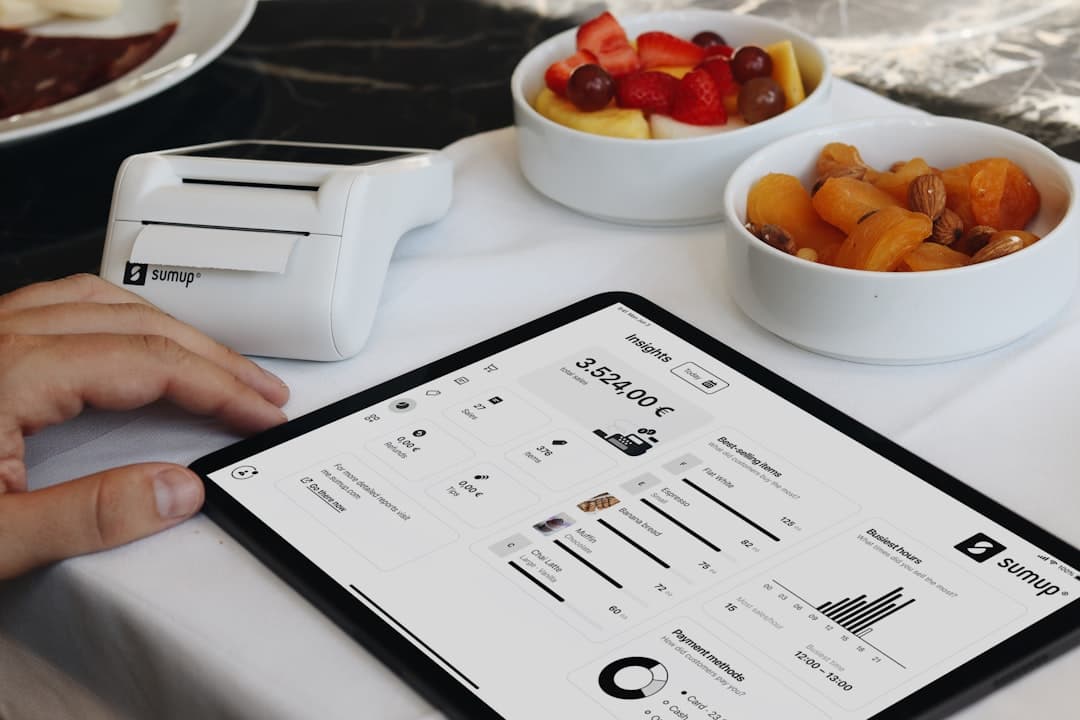
How to Calculate ROI From Digital Menu Software
Buying menu software is easier when you can show exactly where the return comes from. For most restaurants, digital menu software ROI is not one dramatic win. It is the combined effect of faster updates, fewer reprints, higher average order value, and more direct orders moving through a smoother guest experience. The good news is that you do not need a complex finance model to estimate the value. With a few practical inputs like staff time saved, reprint frequency, average order value, and QR scan-to-order conversion, you can build a simple monthly ROI case that is realistic enough to support a buying decision.
Build two versions of your ROI model: a conservative case based on hard savings and a growth case that adds AOV lift and direct-order gains.
Restaurant operators usually ask a simple question: will this pay for itself quickly enough to matter? That is the right way to think about digital menu return on investment. In a restaurant, menu technology creates value through both cost savings and better ordering performance, so your ROI model should capture both.
Use a monthly model first. Menus, pricing, promotions, and service modes change too quickly for a yearly estimate to help much during evaluation. Start with monthly benefit, subtract monthly cost, and then calculate payback period for any one-time setup work like migration, QR print materials, or staff setup time.
It also helps to separate hard savings from growth upside. Hard savings are the easiest numbers to defend: time saved on menu edits, printing costs avoided, and fees avoided when more orders come through direct channels. Growth upside is still valuable, but it should be estimated conservatively: higher average order value from better merchandising, clearer add-ons, and a faster path from QR scan to completed order.
Use this working formula: ROI = ((monthly benefit - monthly cost) / monthly cost) x 100. Monthly benefit can include labor savings, print savings, avoided order fees, and the estimated gross profit from higher average order value. Monthly cost should include the subscription plus any setup cost you want to spread over the first few months. If you want an even simpler view, calculate payback period too: payback period = one-time setup cost / monthly net benefit.
When operators try to justify restaurant menu software, they often focus only on printing. That matters, but it is only one part of the business case. The strongest ROI models usually combine a few smaller gains that happen every week during normal service.
You do not need all four levers to make the case. In many restaurants, two or three of them are enough to show a clear cost benefit.
Think about every small change that currently takes staff time: price updates, out-of-stock items, specials, modifier changes, holiday hours, seasonal swaps, and delivery or pickup availability. If your team updates a PDF, prints inserts, edits third-party platforms, and answers guest questions separately, the labor adds up fast. A digital menu with real-time updates reduces duplicate work and helps you make one accurate change instead of several.
Printed menus create an ongoing expense, not a one-time one. Reprints happen because prices change, items sell out, paper gets worn, seasonal offers expire, or you need a fresh table insert. Count every menu reprint cycle, every laminated replacement, and every quick fix before service. For restaurants that update often, this alone can make qr menu ROI easier to prove.
A well-structured digital menu can make ordering easier and more profitable at the same time. Clear categories, photos, featured items, modifiers, and add-ons help guests choose faster and notice profitable extras. Even a small increase in average order value can have a meaningful impact when it applies across hundreds of monthly orders.
The value of direct ordering is not just convenience. It can also reduce dependence on channels that add friction or extra fees. If a guest scans a QR code, browses your menu, and places a dine-in, pickup, or delivery order directly, the return can show up as avoided fees, fewer phone interruptions, better order accuracy, and a higher percentage of sales flowing through your own ordering path.
For a comprehensive overview, see our guide: Best Restaurant Digital Menu Software: Top 10 Features to Compare in 2026
Your ROI estimate only needs a few inputs, but they should come from real operations data whenever possible. Pull numbers from the last 30 days so you are working with current staffing, current order volume, and current menu behavior.
If you run more than one location, build the worksheet for one store first. A clean single-location model is easier to trust, and you can duplicate it later for other sites with different order mix, update frequency, and guest behavior.
Use this quick checklist before you calculate anything. 1) Monthly software cost. 2) Any one-time setup or migration cost. 3) Staff hours currently spent updating menus, answering avoidable menu questions, or managing repeated edits across channels. 4) Loaded hourly wage for the person doing that work. 5) Monthly printing and reprint cost. 6) Monthly order count and average order value by service mode. 7) Number of QR scans or menu sessions. 8) Number of completed orders that come from those scans or sessions. 9) Estimated number of orders that could shift into a more direct ordering path.
Look at the last month of menu changes and count the work involved. Include price edits, sold-out items, limited-time offers, service-hour changes, and category adjustments. Then estimate how much of that work would be faster with one digital menu that updates in real time. Multiply the monthly hours saved by the loaded hourly wage of the manager or staff member who usually handles it.
Do not compare savings against subscription price alone. Include the monthly software fee, any one-time setup cost, QR table cards or printed signage, and any internal setup time you want to account for. If you are switching from static PDFs, also include migration effort. Tools that speed this up, such as AI-powered menu import from a PDF, can reduce the setup side of the equation and shorten payback.
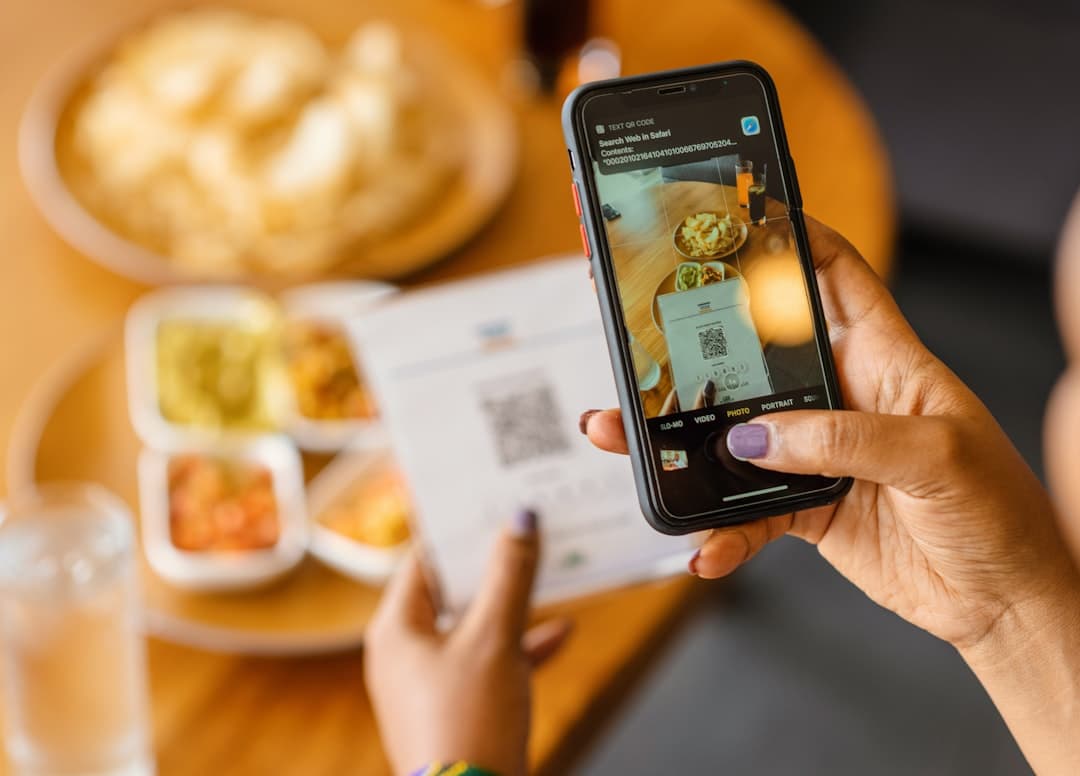
This is one of the most useful numbers in your model. Divide completed orders that started from a QR menu or menu link by total scans or sessions. If you do not track this yet, run a short test and measure one location, one service mode, or one campaign. The goal is not a perfect number on day one. The goal is a conservative starting point you can validate after launch.

Related: How to Switch From PDF Menus to Digital Menu Software Without Rebuilding Everything
Once you have the inputs, the math is straightforward. Keep the model readable enough that a manager, owner, or finance lead can follow it in one minute.
One important note: do not treat all extra revenue as profit. If digital merchandising increases average order value, the cleanest approach is to convert that increase into estimated gross profit using your margin. If you do not know margin, report the revenue lift separately so the model stays honest.
Start with monthly hard savings: labor savings + printing savings + avoided fees from more direct orders. Then add monthly growth contribution: digital orders x average order value lift x gross margin. Your monthly net benefit is total monthly benefit minus total monthly cost. Finally, calculate ROI: ((monthly net benefit) / monthly cost) x 100. If you also want a payback view, divide any one-time setup cost by monthly net benefit.
Here is a simple example. Assume monthly software cost is $149. Assume you spread a $150 setup effort across the first 3 months, which adds $50 per month for now. A manager saves 10 hours per month on menu edits and channel cleanup at $24 per hour, which equals $240. The restaurant avoids $180 in monthly reprints. Direct orders improve enough to shift 120 orders per month into a lower-cost path, worth an estimated $2.50 per order in avoided fees, which adds $300. Better item presentation and add-ons lift average order value by $1 across 250 digital orders. If gross margin is 65%, that adds about $162.50 in contribution. Total monthly benefit is $882.50. Total monthly cost is $199. Monthly net benefit is $683.50. ROI is about 343%. Even with conservative assumptions, the payback is fast because the gains repeat every month.
If you need a fast decision, calculate only hard savings first: labor saved + print savings + avoided fees. If hard savings alone cover the software cost, your restaurant software ROI case is already strong. Then treat AOV lift and conversion improvements as upside, not as the reason the project works.
Do not count total online sales as profit. Use labor savings, printing savings, avoided fees, and gross profit from incremental orders for a cleaner ROI model.
Most weak ROI models fail because the assumptions are loose, not because the software lacks value. A conservative model gives you a better buying decision and a better baseline for measuring real performance after launch.
The best way to improve ROI is operational, not theoretical. Start where menu friction is already expensive: categories that change often, service modes with frequent guest questions, and channels where accuracy and speed matter most during busy hours.
A guest who would have ordered anyway should not be counted as 100% incremental revenue. Instead, count the part that is truly created by the software: avoided fees, higher average order value, fewer missed orders, or gross profit from a better conversion path. This keeps your digital menu software ROI estimate credible.
If you want a faster return, launch where the operational pain is highest. That might be dinner rush specials, sold-out items, lunch combos, pickup ordering, or multilingual menus in a tourist area. Real-time updates matter most when the menu changes often. The more often you would otherwise reprint or manually explain changes, the faster the return appears.
Conversion improves when guests can move from browsing to ordering without confusion. Clear categories, accurate availability, strong item names, visible add-ons, and a simple checkout all help. Offering dine-in, pickup, and delivery in one system can also reduce friction. Secure Stripe-powered payments, order confirmations, and tracking help turn more menu visits into completed orders instead of abandoned intent.
Time-to-launch affects ROI. If your menu lives in PDFs today, rebuilding it manually can slow down payback. A platform like EasyMenus can help by importing a PDF into a structured digital menu with AI, then letting you update items, prices, languages, and availability in seconds. That means you spend less time getting live and more time capturing the return from better ordering and easier menu management.
After launch, review the real numbers: scan volume, scan-to-order conversion, average order value, direct-order share, and time spent on menu edits. Once you replace estimates with actual performance, ROI stops being a sales spreadsheet and becomes an operating KPI you can improve month by month.
Related: Questions to Ask Before You Buy Restaurant Menu Software
Digital menu software ROI is usually the result of many small wins working together: fewer menu reprints, less staff time spent fixing updates, stronger upselling, and more direct orders flowing through a smoother guest journey. If you build your model with conservative assumptions and separate hard savings from growth upside, you will get a much clearer answer on whether the investment makes sense. Start with one location, one month of real inputs, and one simple worksheet. In most restaurants, that is enough to see whether the platform can pay for itself quickly and keep compounding from there.