
When to Use Prepaid Pickup, Scheduled Orders, or Deposits for Restaurant Orders
Not every restaurant order should follow the same payment rule. A fast lunch pickup, a large catering order for tomorrow, and a custom birthday platter all carry different risks for your team, your kitchen, and your cash flow. The goal is to choose a payment approach that feels convenient for guests while protecting your operation from no-shows, last-minute changes, and wasted prep. When you match prepaid pickup, scheduled restaurant orders, or deposits to the right order types, you create clearer expectations, smoother prep planning, and a more reliable online ordering experience.
Most payment issues are really operations issues in disguise. If guests can place high-value pickup orders without paying, you may end up cooking food that never gets collected. If every order must be prepaid, you may add unnecessary friction for regulars who want a simple, low-commitment transaction. The best restaurant payment rules balance risk and convenience instead of treating every order the same.
Think about what happens during a busy service. Your team is managing prep times, phone calls, walk-ins, delivery handoffs, and stock changes. When payment is handled the right way in your online ordering flow, staff spend less time chasing missed pickups, explaining policies, or making judgment calls at the counter. That means faster service and fewer awkward guest interactions.
A simple framework helps: use full prepayment when the order is easy to price and expensive to lose, use scheduled orders when timing is the main variable, and use restaurant order deposits when the order needs commitment but may still require some flexibility. This approach supports better forecasting, reduces waste, and gives guests a payment experience that feels fair.
You are not just deciding when money is collected. You are deciding how much risk the restaurant carries, how much certainty the kitchen has, and how easy it is for a guest to complete checkout. Good payment rules make those trade-offs visible and manageable.
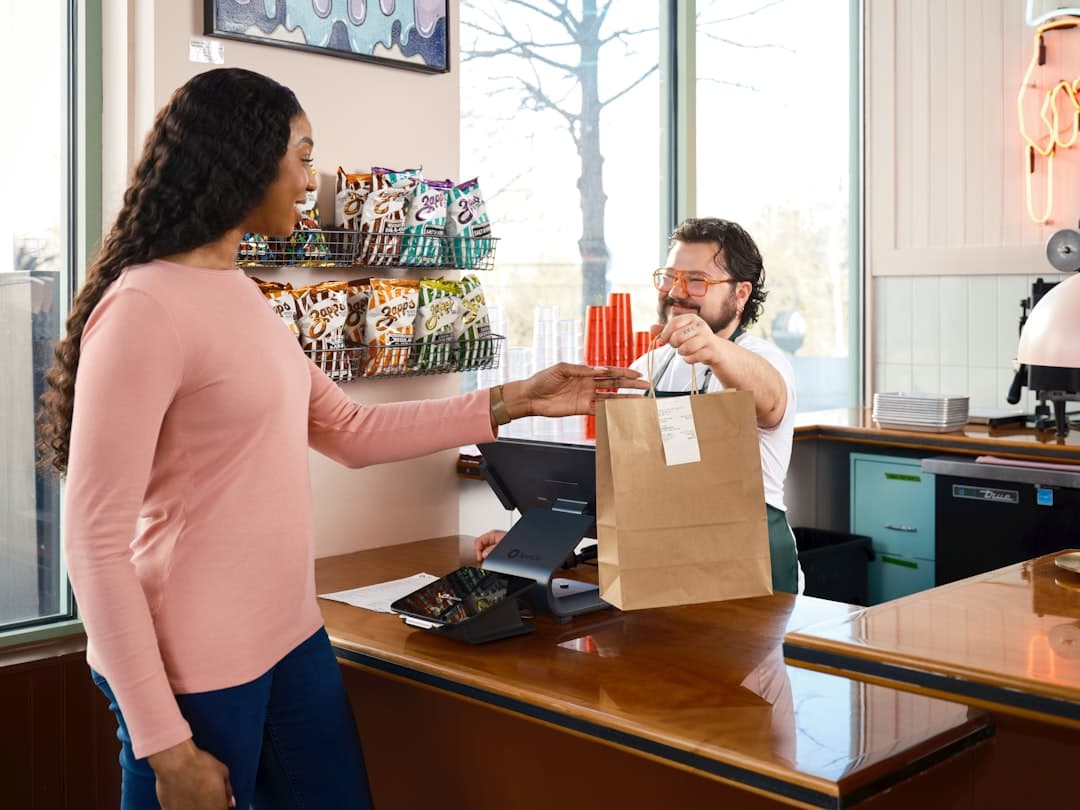
Prepaid pickup works best when the order value is clear, the prep starts quickly, and the cost of a no-show is meaningful. This is often the right setup for standard online ordering menus, especially in urban areas, tourist zones, campuses, and high-volume lunch businesses where guest traffic changes day to day. If a customer can order in a few taps and pay securely at checkout, your team gets a confirmed sale before firing the order.
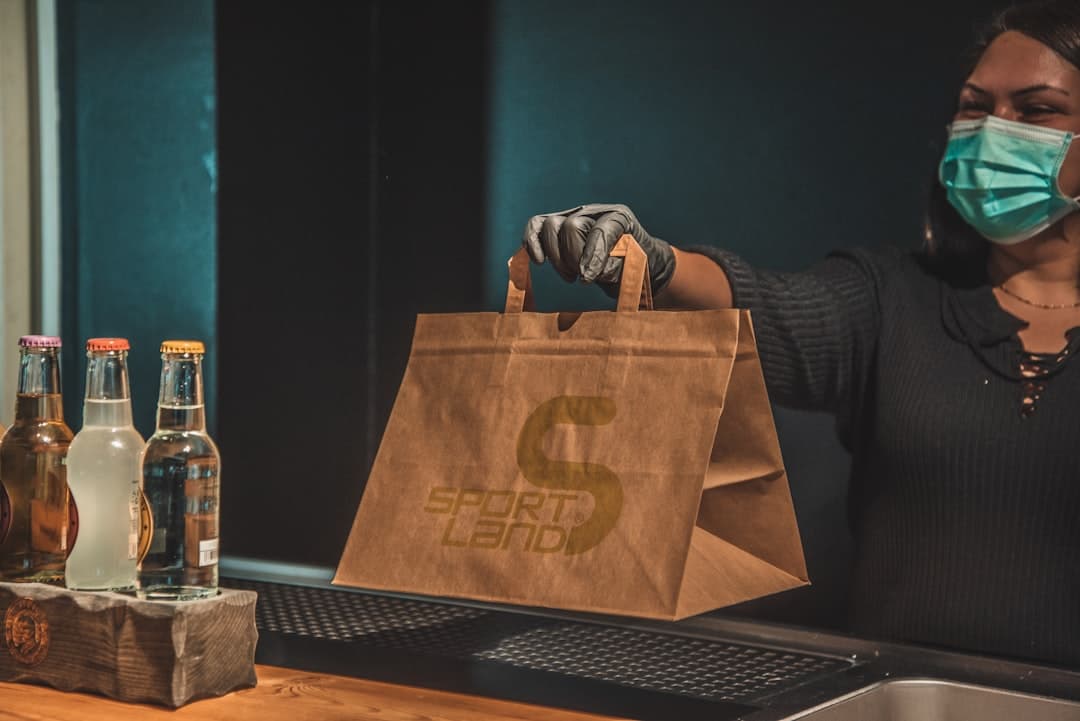
It is also a strong fit for restaurants that regularly deal with abandoned pickup orders. A prepaid pickup restaurant model reduces uncertainty because guests have already committed. It can also improve throughput at peak times: the customer arrives, collects the order, and leaves without a card handoff or cash exchange slowing down the line.
That said, not every pickup order needs upfront payment. A neighborhood café with many repeat office customers may choose to allow pay-on-pickup for small orders while requiring online ordering prepayment for larger tickets or first-time customers. The point is to use prepayment where it removes friction for staff without creating unnecessary friction for guests.
Require full payment upfront when the menu price is fixed, the order can be prepared without follow-up questions, the ingredients are perishable or costly, the pickup window is short, and your team has experienced missed collections in the past. It also makes sense when speed at handoff matters, such as lunch rush pickup shelves, curbside pickup, or counter-service concepts that need a fast guest flow.
A fast-casual bowl concept with heavy noon traffic may require prepayment for all pickup orders placed online. The kitchen can then sequence tickets confidently, the front counter avoids payment bottlenecks, and staff do not waste time holding unpaid food during the busiest hour of the day.
Do not use one blanket payment rule for every order type. The right policy depends on order value, lead time, and how costly a no-show would be.
Scheduled restaurant orders are about timing confidence as much as payment. Guests love the convenience of ordering in advance for a pickup after work, a team lunch tomorrow, or a family meal on the weekend. For restaurants, scheduled orders help smooth demand across the day and make prep planning more predictable. But they also introduce a longer gap between checkout and fulfillment, which means more opportunity for changes, stock issues, and forgotten pickups.
For lower-risk scheduled orders, full prepayment still works well. A guest ordering tomorrow’s lunch from your regular menu usually benefits from a simple prepaid checkout. But if the order is large, customized, or placed several days ahead, you may want a deposit or a clear cutoff for changes and cancellations. That protects the kitchen from holding production slots without commitment.
The key is to match your payment rule to the order window. The farther out the order date and the more prep it requires, the more structure you need around payment, lead times, and cancellation terms. Clear timing rules support guest convenience because they set expectations before the order is placed, not after something goes wrong.
First, separate normal scheduled orders from large or custom orders. Second, define the latest time a guest can place an order for each service window. Third, set a change or cancellation cutoff that gives the kitchen enough notice. Fourth, decide whether each order type should be fully prepaid or only partially paid. Finally, show the rule clearly at checkout so guests know what happens before they confirm.
If your Friday dinner pickup window regularly fills up, scheduled ordering should not just open more slots. It should reflect your true kitchen capacity, prep times, and staffing. Otherwise, payment is collected successfully but the guest experience still suffers because orders run late.
Restaurant order deposits are useful when an order deserves commitment but cannot be treated like a standard menu purchase. Think catering trays, holiday preorders, office lunches, party platters, large dessert orders, or anything that reserves production time and ingredients well before pickup. In these cases, asking for full payment can feel rigid, but asking for nothing leaves too much risk with the restaurant.
A deposit solves that middle-ground problem. It confirms that the guest is serious, reduces no-show exposure, and gives your team permission to begin planning. It also feels reasonable to the customer because they are not always paying the full amount far in advance, especially if quantities, final headcount, or add-ons may still change before the pickup date.
The best deposit policies are simple. Guests should understand how much is due now, when the remaining balance is due, and what happens if they cancel. If the policy is hard to interpret, staff will end up explaining exceptions manually, which defeats the purpose of having restaurant payment rules in the first place.
Use deposits for high-value pickup catering, custom celebration meals, preordered holiday packages, bulk office lunches, and menu bundles that require advance purchasing or coordinated prep. These are the kinds of orders where a missed pickup creates more than a lost sale; it creates wasted labor, blocked production capacity, and sometimes spoiled inventory.
Your deposit should be large enough to create commitment, but not so high that it scares off legitimate buyers. Many restaurants set a flat operational rule based on order value, lead time, or customization level. The exact amount matters less than the consistency of the rule and how clearly it is communicated.
For a comprehensive overview, see our guide: Stripe Payments for Restaurant Online Ordering: Setup, Tips, Refunds, and Reconciliation
Quick win: if large pickup orders often arrive late or change last minute, add a deposit plus a firm final-confirmation cutoff before prep begins.
The best policy is the one guests understand immediately. If you require prepayment, say so early in the order flow. If scheduled orders have a cutoff for edits, show the deadline before checkout. If deposits apply only above a certain order size, make that threshold easy to see. Clarity reduces disputes and improves conversion because guests know what to expect.
This is also where your ordering system matters. With EasyMenus, you can manage dine-in, pickup, and delivery service modes, set availability windows, and keep menu changes live in seconds. When combined with secure Stripe-powered payments, you can collect online payments smoothly, reduce manual follow-up, and keep payment handling aligned with real kitchen operations instead of relying on ad hoc staff decisions.
Finally, review your rules every few months. If missed pickups are rising, prepayment may need to expand. If large scheduled orders are causing kitchen stress, deposits or earlier cutoffs may be the fix. Your restaurant payment rules should evolve with your order mix, staffing, and service peaks.
List your order types by risk: standard pickup, scheduled pickup, catering, holiday preorder, and custom large orders. Mark which ones create the biggest loss if they are canceled late or never collected. Assign one rule to each: pay later, full prepayment, or deposit plus balance later. Add clear messaging for timing, refunds, and changes. Then test the guest journey yourself on mobile to make sure the policy feels obvious, fair, and fast.
Small everyday pickup orders can allow either prepayment or payment at pickup depending on your model. Standard scheduled orders often work best with full prepayment. Large future-dated orders usually need a deposit and a clear final confirmation point. This kind of tiered setup is easier for both guests and staff than one blanket rule for everything.
Related: How to Handle Refunds, Voids, and Chargebacks Without Slowing Restaurant Service
Related: How to Configure Tips, Service Fees, and Taxes in Restaurant Checkout
Prepaid pickup, scheduled orders, and deposits are not competing policies. They are tools for different order scenarios. When you apply each one intentionally, you make online ordering easier for guests, reduce no-shows, and give your kitchen better control over labor, timing, and prep. Start with your highest-risk order types, create simple rules, and make those rules visible in checkout. That is how restaurant payment policies become an operational advantage instead of a service headache.